> ## Documentation Index
> Fetch the complete documentation index at: https://koreai-content-gov.mintlify.site/llms.txt
> Use this file to discover all available pages before exploring further.
# Using the Confluence Action Templates
[Back to Actions Integrations](/ai-for-service/integrations/overview#actions)
Use prebuilt Confluence action templates to auto-create dialog tasks.
**Prerequisites:** Configure [Confluence](/ai-for-service/integrations/actions/configuring-the-confluence-action) and [install templates](/ai-for-service/integrations/actions/configuring-the-confluence-action#step-2-install-confluence-action-templates) before proceeding.
Navigate to **Automation AI > Use Cases > Dialogs**, then click the auto-created dialog to open the canvas.
***
## Supported Actions
| Action | Description | Method |
| -------------- | --------------------------------------- | ------ |
| Create Content | Creates content in the Confluence space | POST |
***
## Create Content
1. Install the template from [Confluence Templates](/ai-for-service/integrations/actions/configuring-the-confluence-action#step-2-install-confluence-action-templates).
2. The **createContent** dialog task is added with:
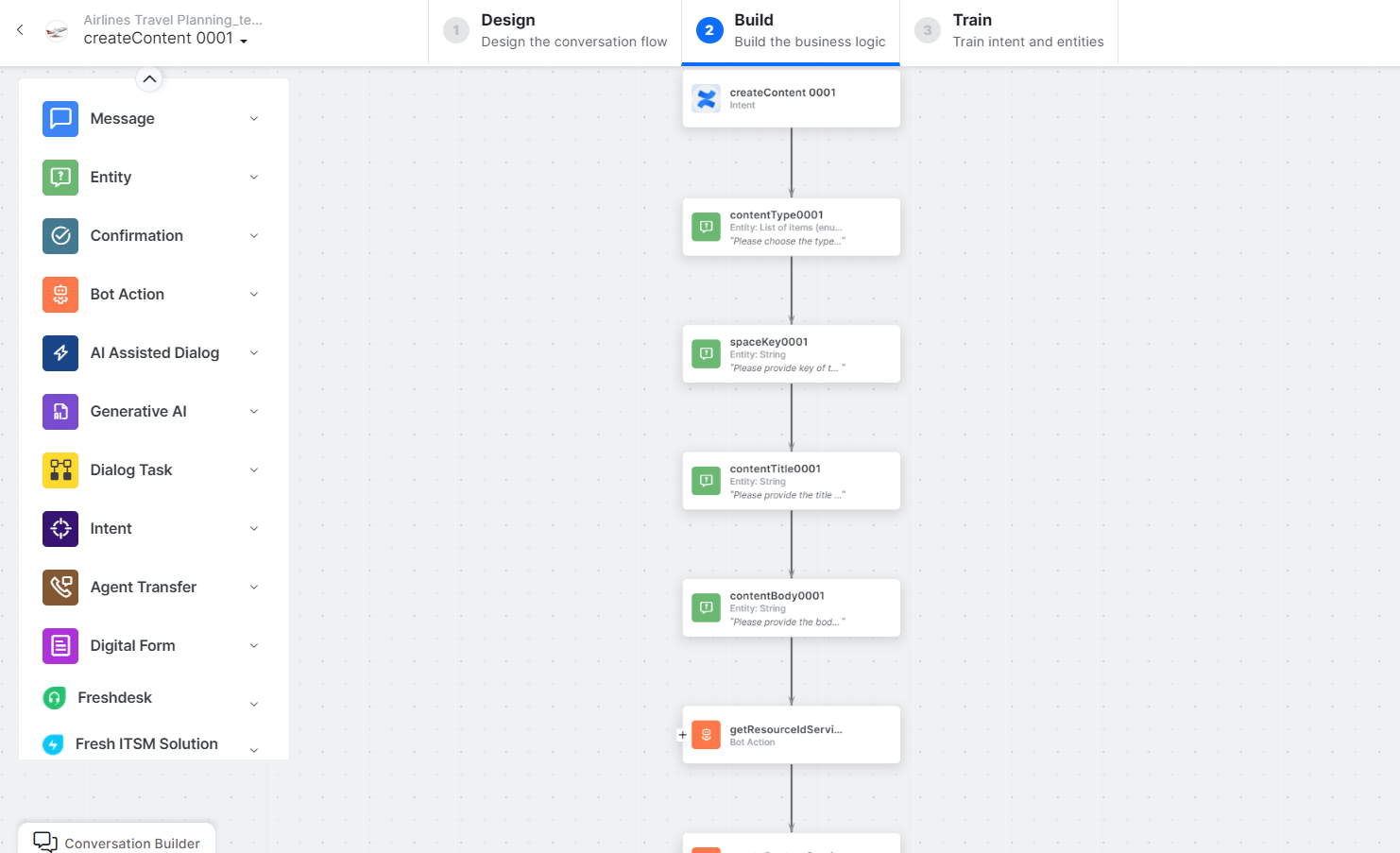 * **createContent** - User intent to create content in the Confluence space.
* **contentType**, **spaceKey**, **contentTitle**, **contentBody** - Entity nodes for content details.
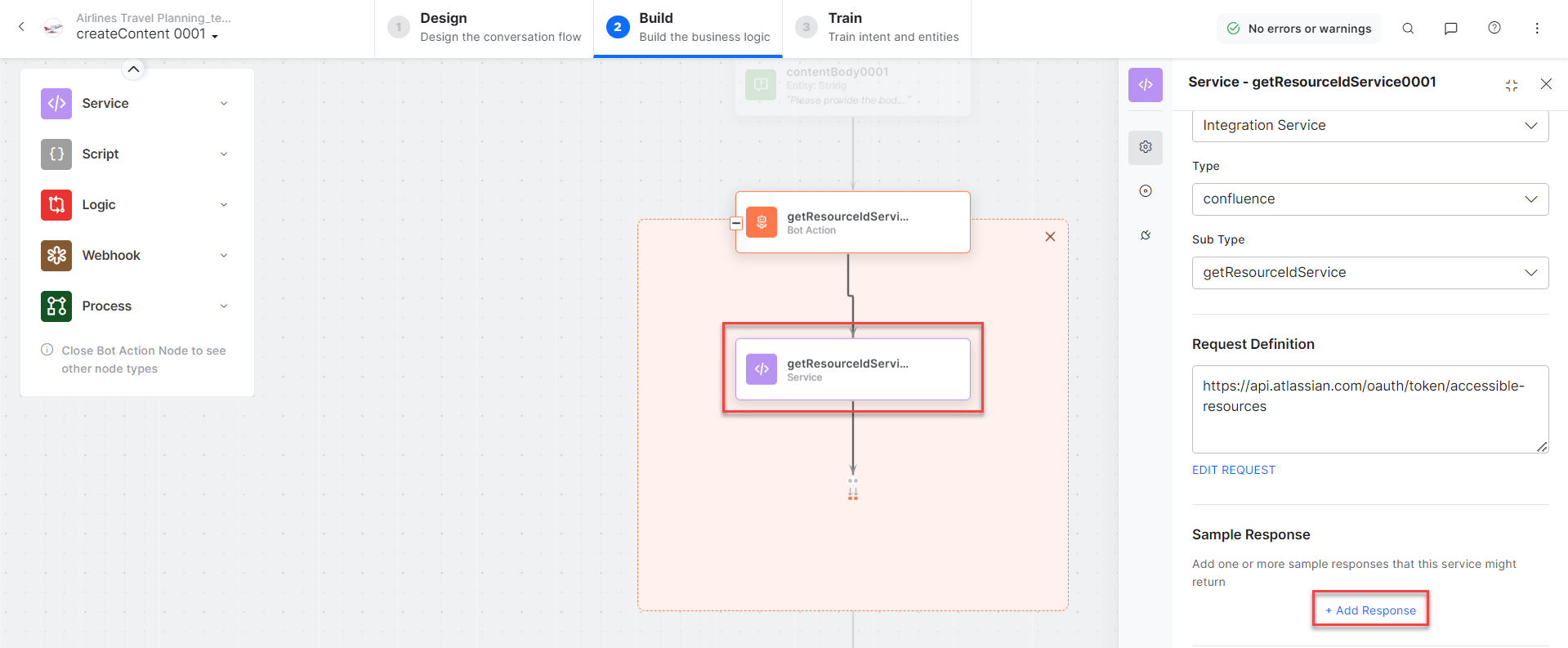
* **getResourceIdService** - Bot action service to fetch the resource ID. Click **Edit Request**:
* **createContent** - User intent to create content in the Confluence space.
* **contentType**, **spaceKey**, **contentTitle**, **contentBody** - Entity nodes for content details.
* **getResourceIdService** - Bot action service to fetch the resource ID. Click **Edit Request**:
 **Sample Request:**
```json theme={null}
{
"title": "Page 1",
"type": "page",
"space": { "key": "SFPWP" },
"status": "current",
"body": {
"storage": {
"value": "Here is the value of this body",
"representation": "storage"
}
}
}
```
Click **+Add Response**:
**Sample Request:**
```json theme={null}
{
"title": "Page 1",
"type": "page",
"space": { "key": "SFPWP" },
"status": "current",
"body": {
"storage": {
"value": "Here is the value of this body",
"representation": "storage"
}
}
}
```
Click **+Add Response**:
 **Sample Response:**
```json theme={null}
{
"id": "21004299",
"type": "page",
"status": "current",
"title": "Page 1",
"space": {
"id": 196612,
"key": "SFPWP",
"name": "Space For Playing with Postman",
"type": "global",
"status": "current"
}
}
```
* **createContentService** - Bot action service to create content in the Confluence space.
* **createContentMessage** - Message node to display the result.
3. Click **Train** to complete training.
4. Click **Talk to Bot** to test.
5. Follow the prompts to create content.
**Sample Response:**
```json theme={null}
{
"id": "21004299",
"type": "page",
"status": "current",
"title": "Page 1",
"space": {
"id": 196612,
"key": "SFPWP",
"name": "Space For Playing with Postman",
"type": "global",
"status": "current"
}
}
```
* **createContentService** - Bot action service to create content in the Confluence space.
* **createContentMessage** - Message node to display the result.
3. Click **Train** to complete training.
4. Click **Talk to Bot** to test.
5. Follow the prompts to create content.
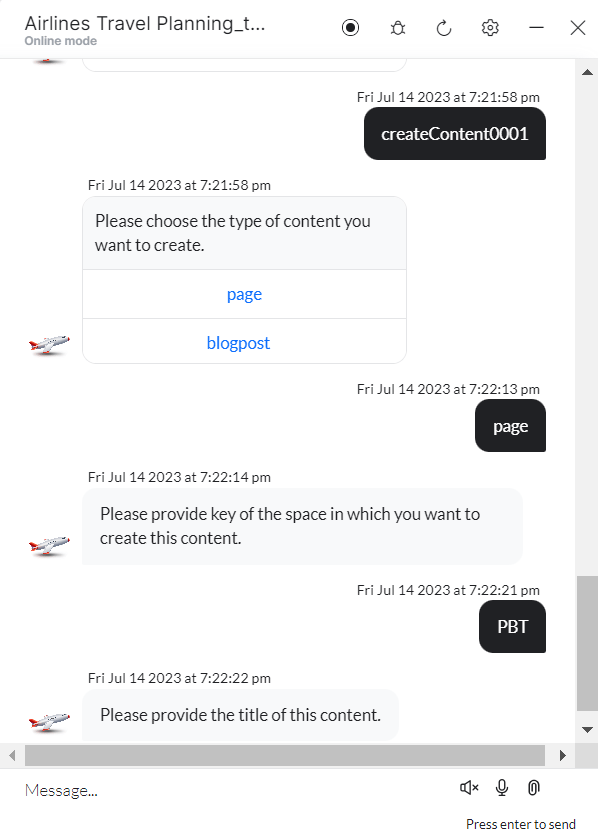 6. Enter title and body details when prompted.
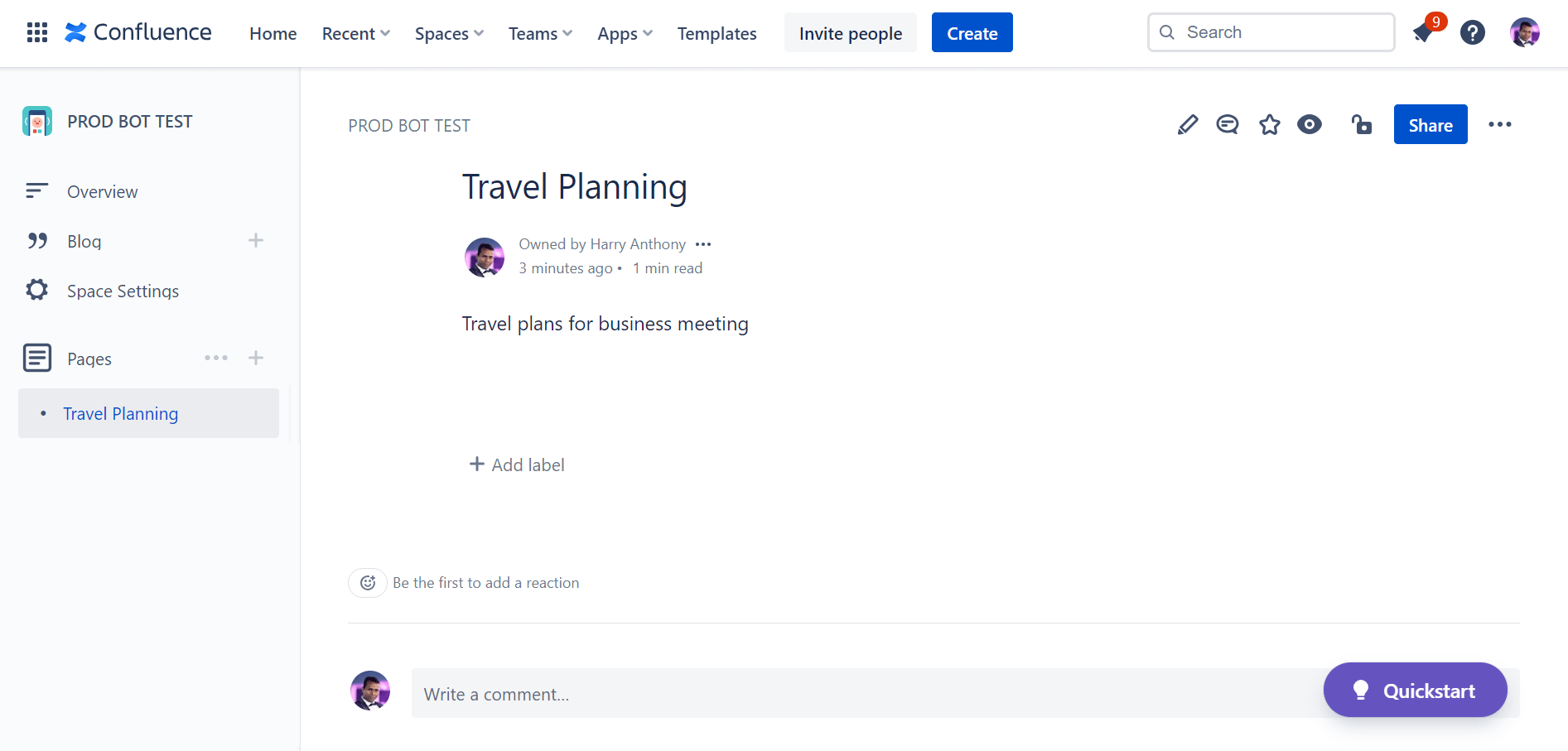
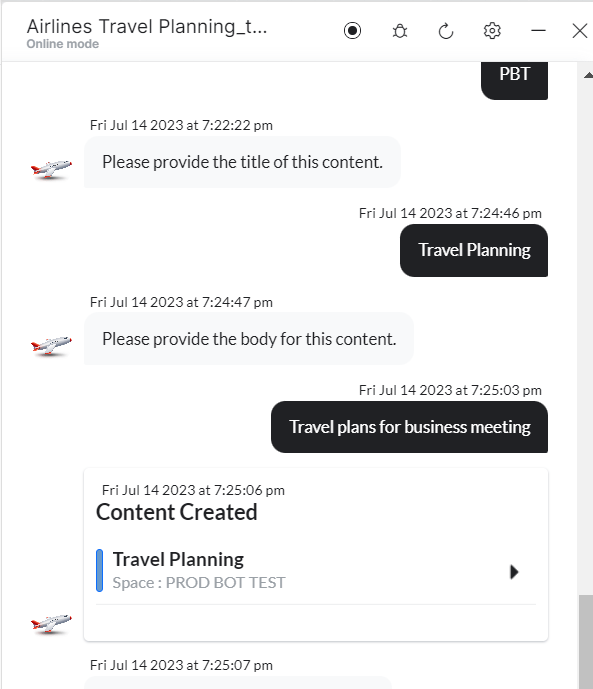 7. Content is created. Click **View Content** to open it.
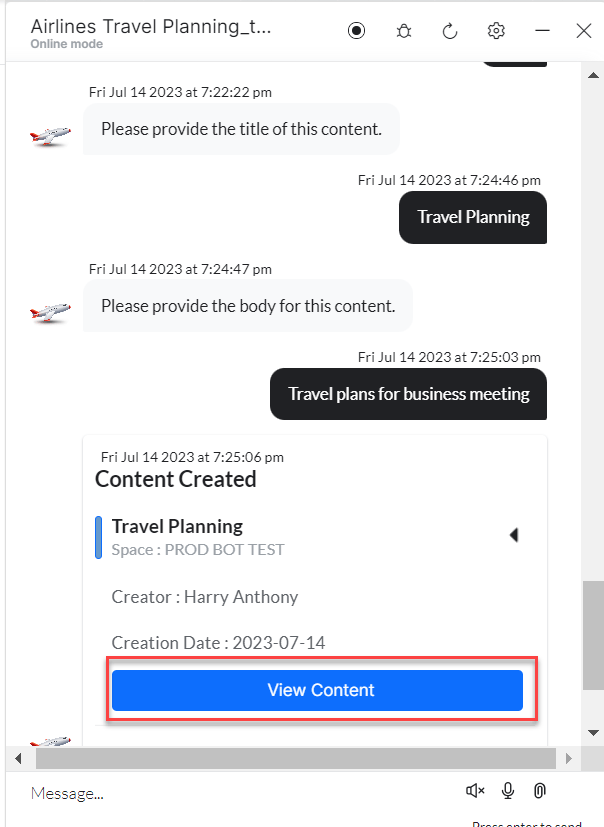 8. View the page in Confluence.